

Why you need it
Without the embed, these features don’t show on your store:- The EcomWize cart drawer
- Bundles on your product pages
- App widgets on your pages
Turn it on from the checklist
The fastest way is the Get started checklist in the EcomWize app inside Shopify.1
Open EcomWize in Shopify
In your Shopify admin, open the EcomWize app.
2
Activate the embed
Click Activate app embed. The theme editor opens with EcomWize Embed turned on.
3
Save
Click Save in the theme editor.
Turn it on from the Cart drawer page
In EcomWize, click Cart drawer in the left sidebar (under Apps). If the embed is off, you see the warning App embed is off. Click Turn on app embed and save the theme.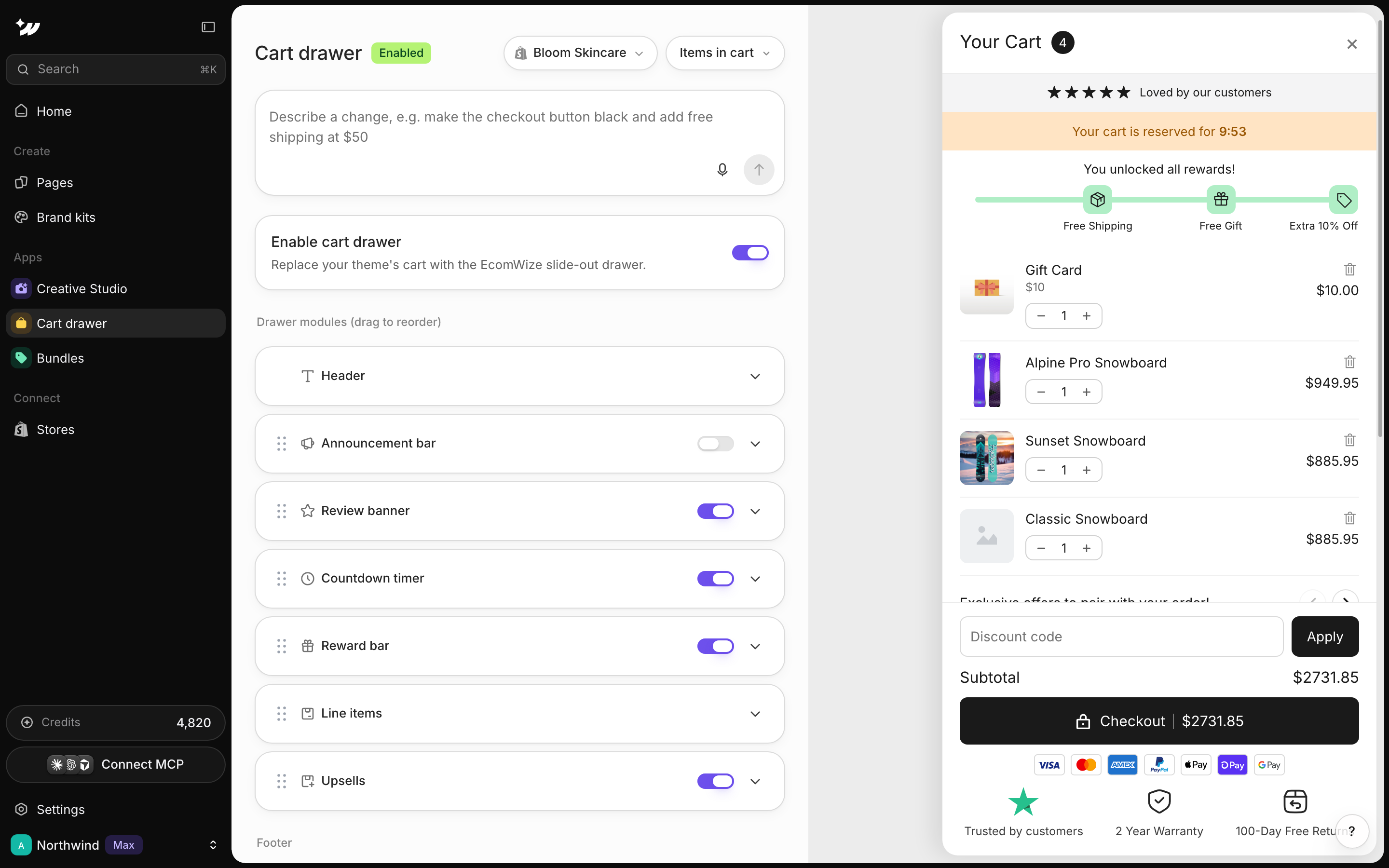
Turn it on in the theme editor
You can also do it by hand in Shopify.1
Open the theme editor
Go to Online Store > Themes > Customize.
2
Find app embeds
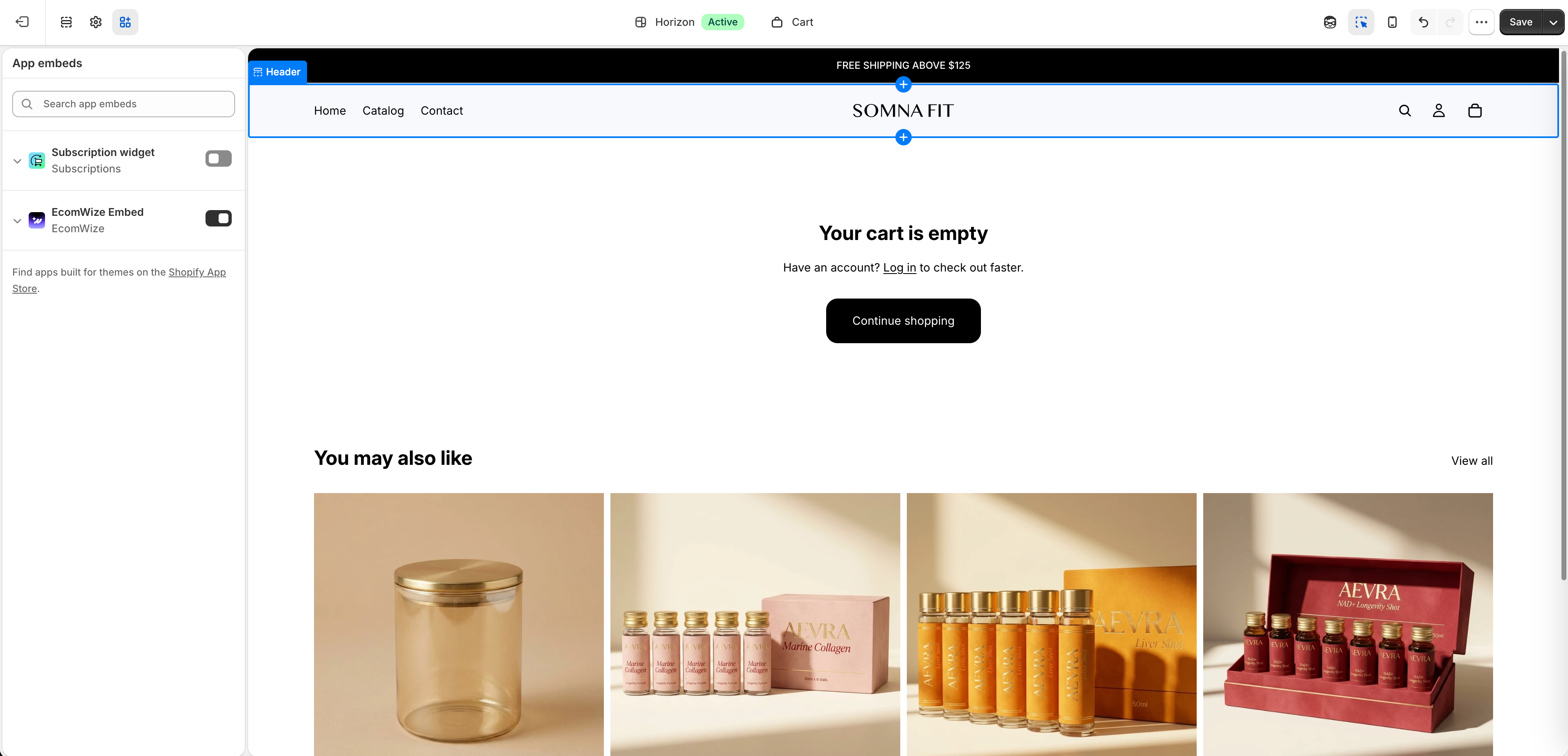
Open Theme settings > App embeds.
3
Switch it on
Turn on EcomWize Embed, then click Save.
After you change themes
The embed belongs to one theme. When you switch to a new theme, turn EcomWize Embed on again and republish your pages.Related

Connect Shopify
Install the app and finish setup.

Cart drawer
Set up your slide-out cart.

Bundles
Add bundle offers to product pages.

Publishing
Republish pages after theme changes.