

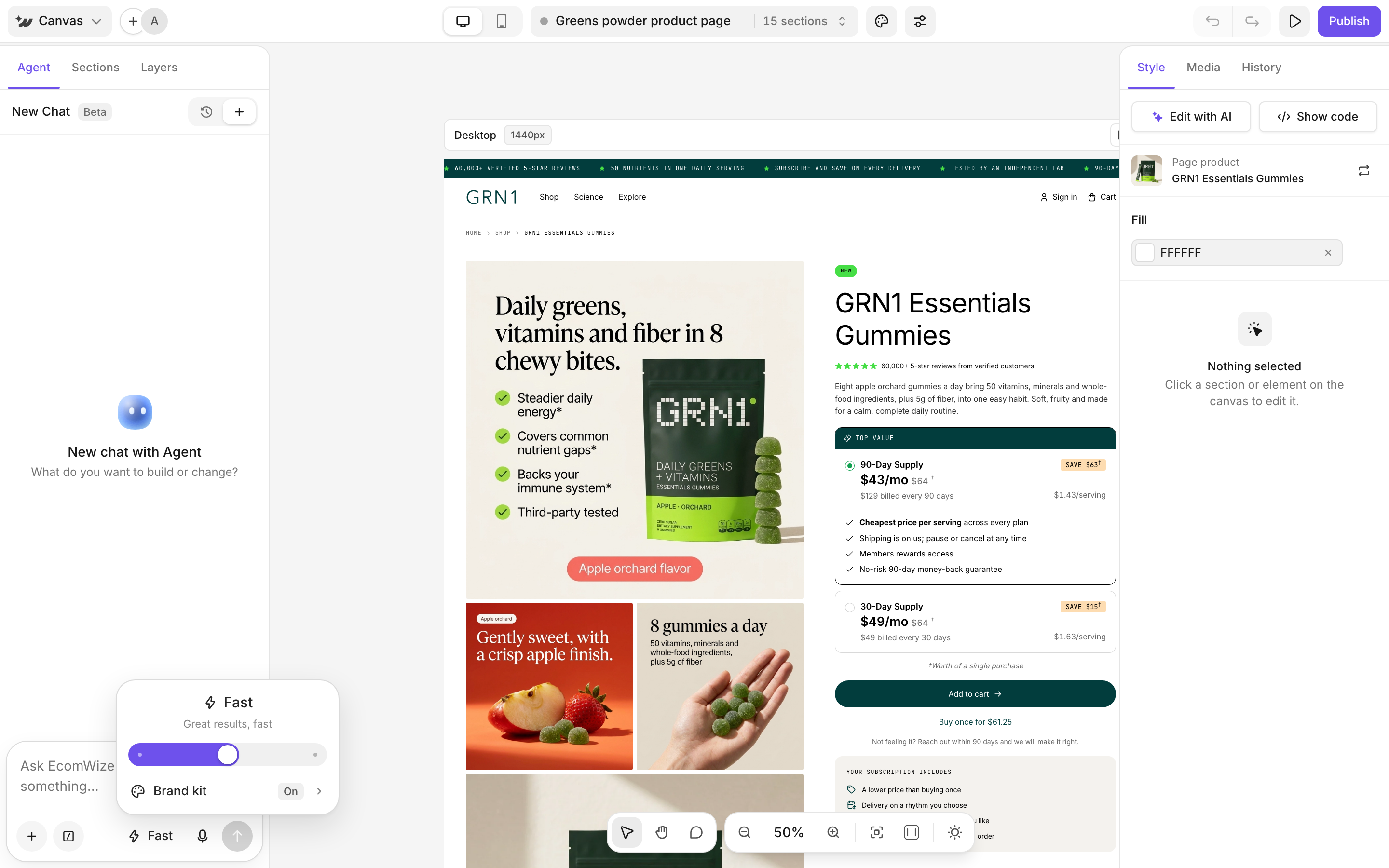
Send a message
1
Open the Agent tab
In the left sidebar, click Agent. Each page has its own chats. Use New chat to start fresh or History to open an earlier one.
2
Describe the change
Type in Ask EcomWize to add or edit something…. Messages can be up to 1,000 characters. Longer pasted text becomes an attachment. You can also use voice input.
3
Send and review
The agent edits the page while you watch. Click stop to end it early.
- “Add an FAQ section about shipping and returns below the reviews.”
- “Make the hero headline shorter and more emotional.”
- “Generate a lifestyle image for the hero and place it on the right.”
- “Copy the layout of this page: [link]”
- “Create a bundle deal for my product.”
Attach images and use suggestions
- Click + to attach up to 5 images, for example a reference design or a product photo.
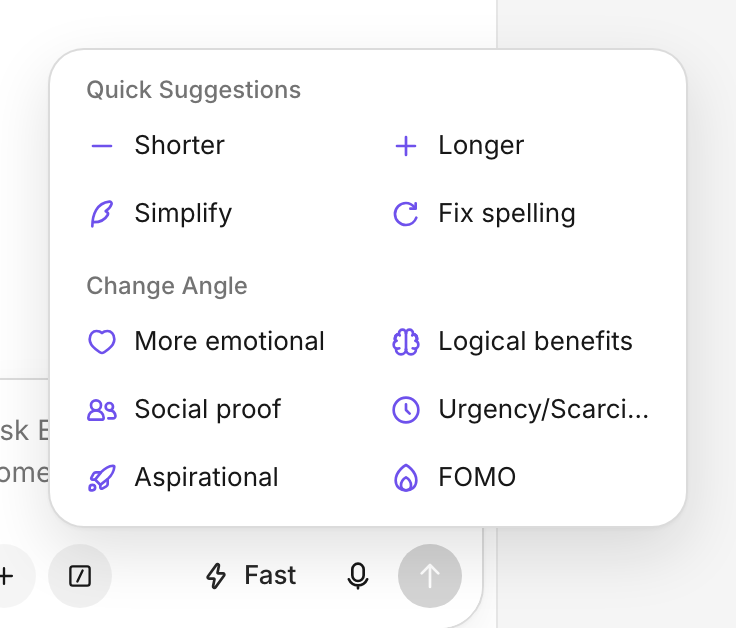
- Type / (or use the suggestions button) for quick rewrites: Shorter, Longer, Simplify, Fix spelling, More emotional, Logical benefits, Social proof, Urgency/Scarcity, Aspirational, FOMO.
Pick Fast or Pro
Open the model menu to choose a mode. Each answer shows what it cost under Credits spent.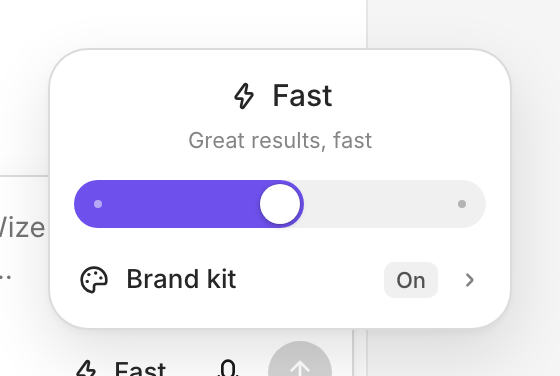
You need at least 10 credits (Fast) or 50 credits (Pro) to start. Images the agent makes cost 10 credits each. See Credits.


