

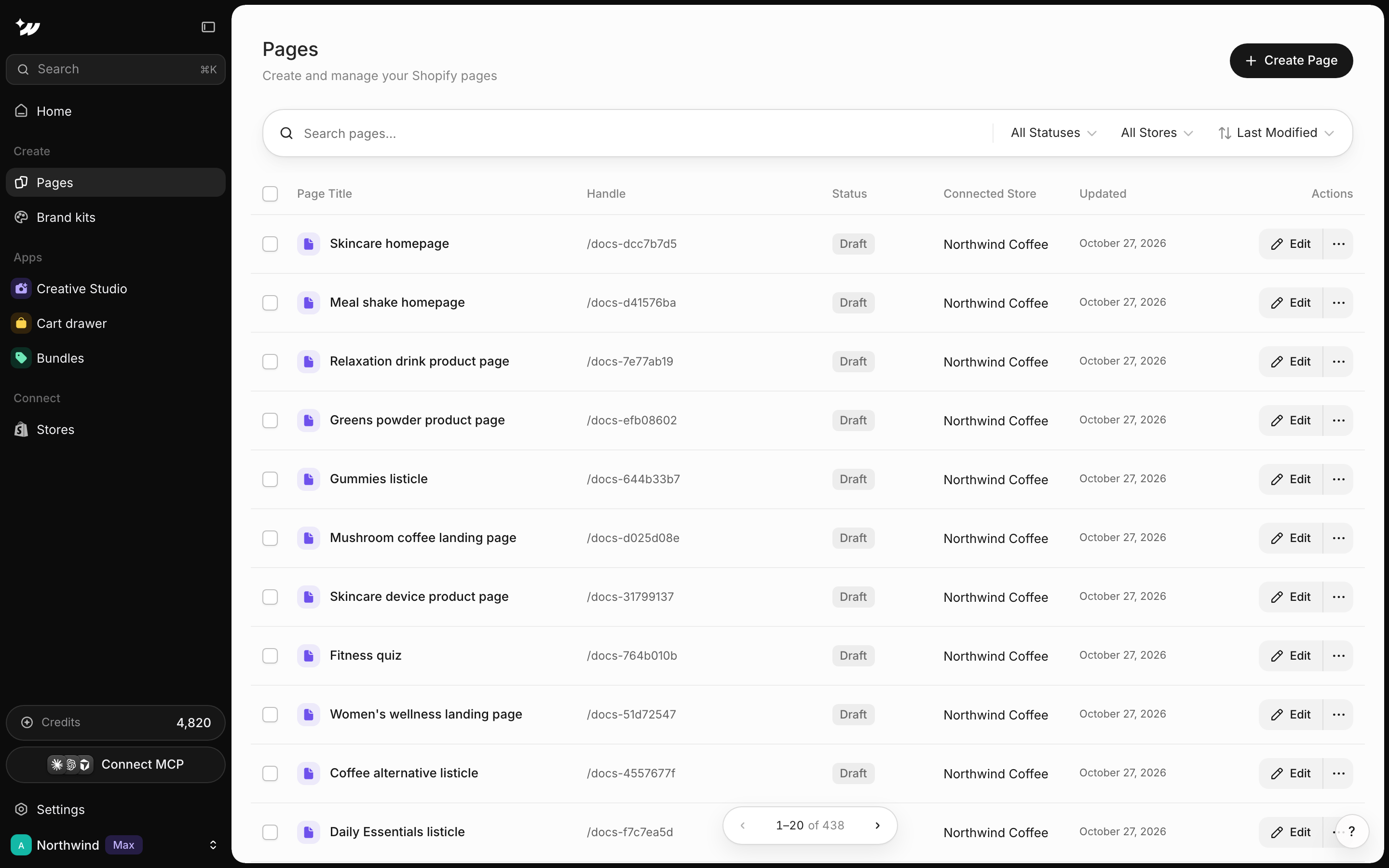
Find a page
Use Search pages… to search by name. Filter with All Statuses (Live or Draft) and All Stores. Switch between table and grid view.Create a page
Click Create Page, enter a Page name and choose a Brand kit. When you have no pages yet, you can pick one of three starts:- Choose a template
- Build with AI
- Start from scratch (“A blank page in your brand kit’s fonts and colors”)
Use the page menu
Open a page’s row menu for these actions:Delete a page
1
Unpublish first if it's live
Published pages must be unpublished before you can delete them. Click Unpublish in the row menu.
2
Delete
Click Delete in the row menu.
3
Confirm
Confirm in the “Delete page?” dialog.


