

Start a complete store
1
Click Complete store
On the home screen, under Start with, click Complete store (after “or”).
2
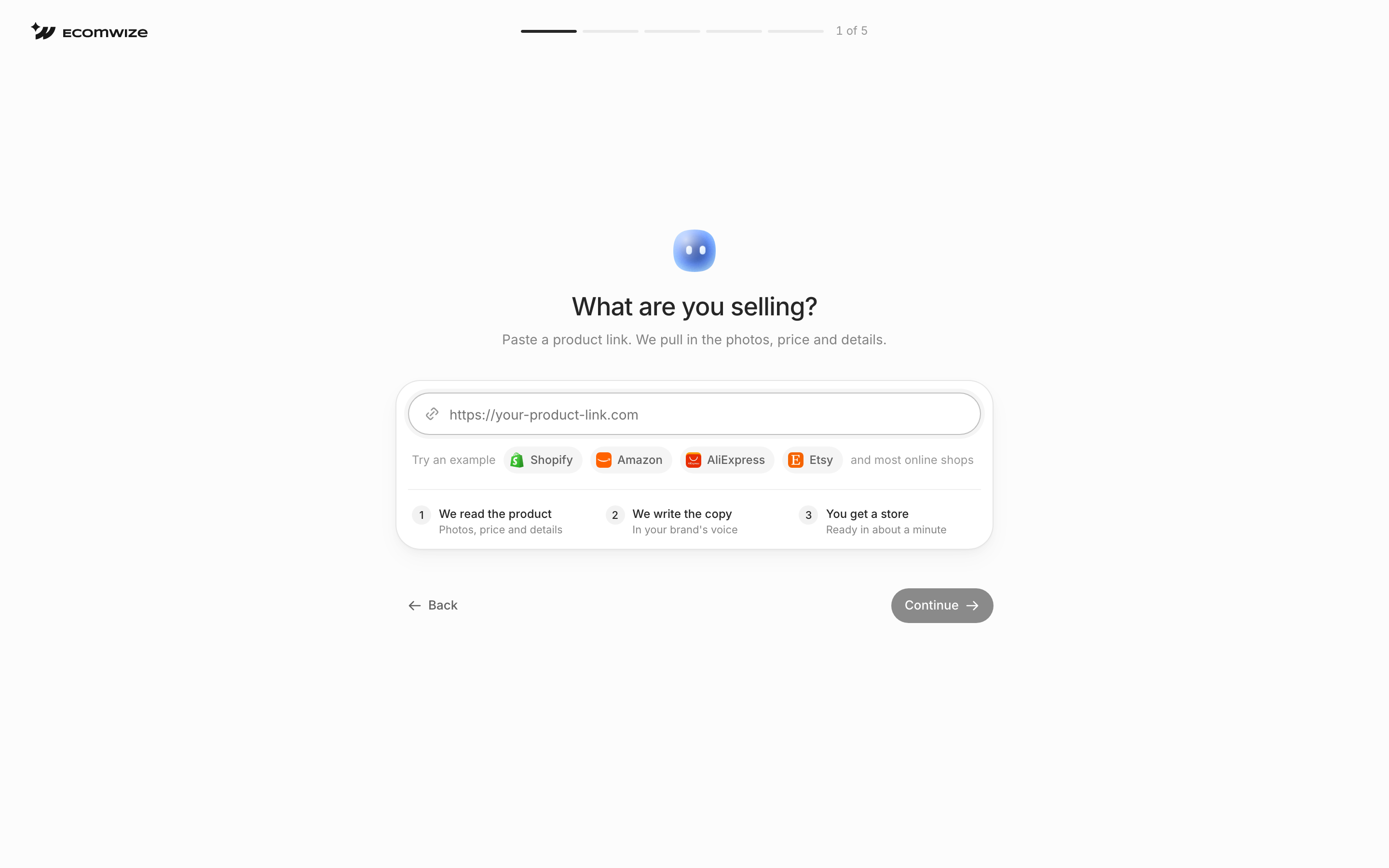
Add your product link
Paste the link to your product.
3
Build
Follow the steps on screen. EcomWize builds your homepage and your product page.
The Complete store chip is hidden while a template is attached to the prompt box. Remove the template to see it.


