Code editing is available on the Max plan. On other plans you see Code editing. Available on the Max plan. with an Upgrade plan button. See Plans.
Open the code
1
Pick what to edit
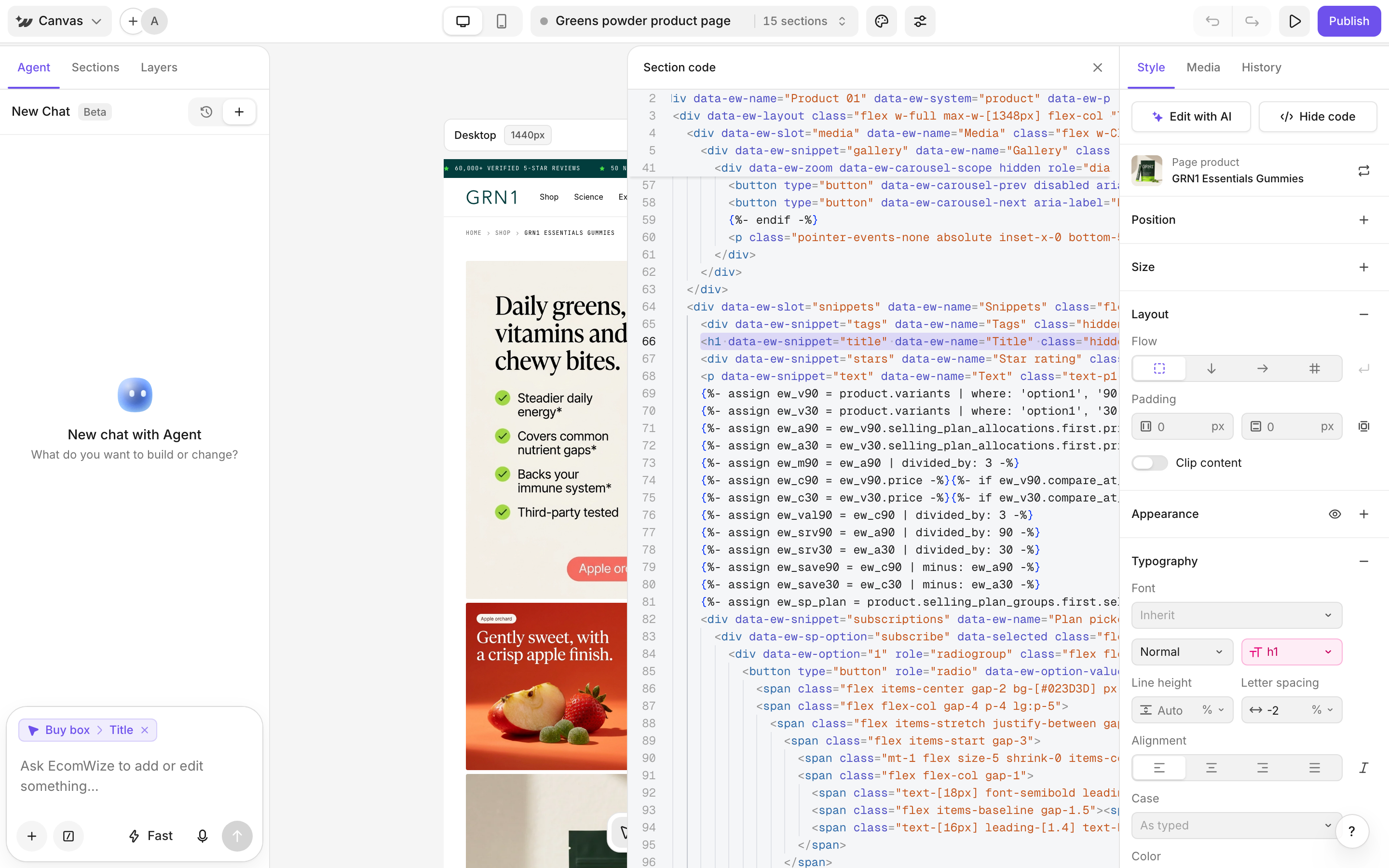
Select a section on the canvas to edit its code. Select nothing to edit the whole page.
2
Click Show code
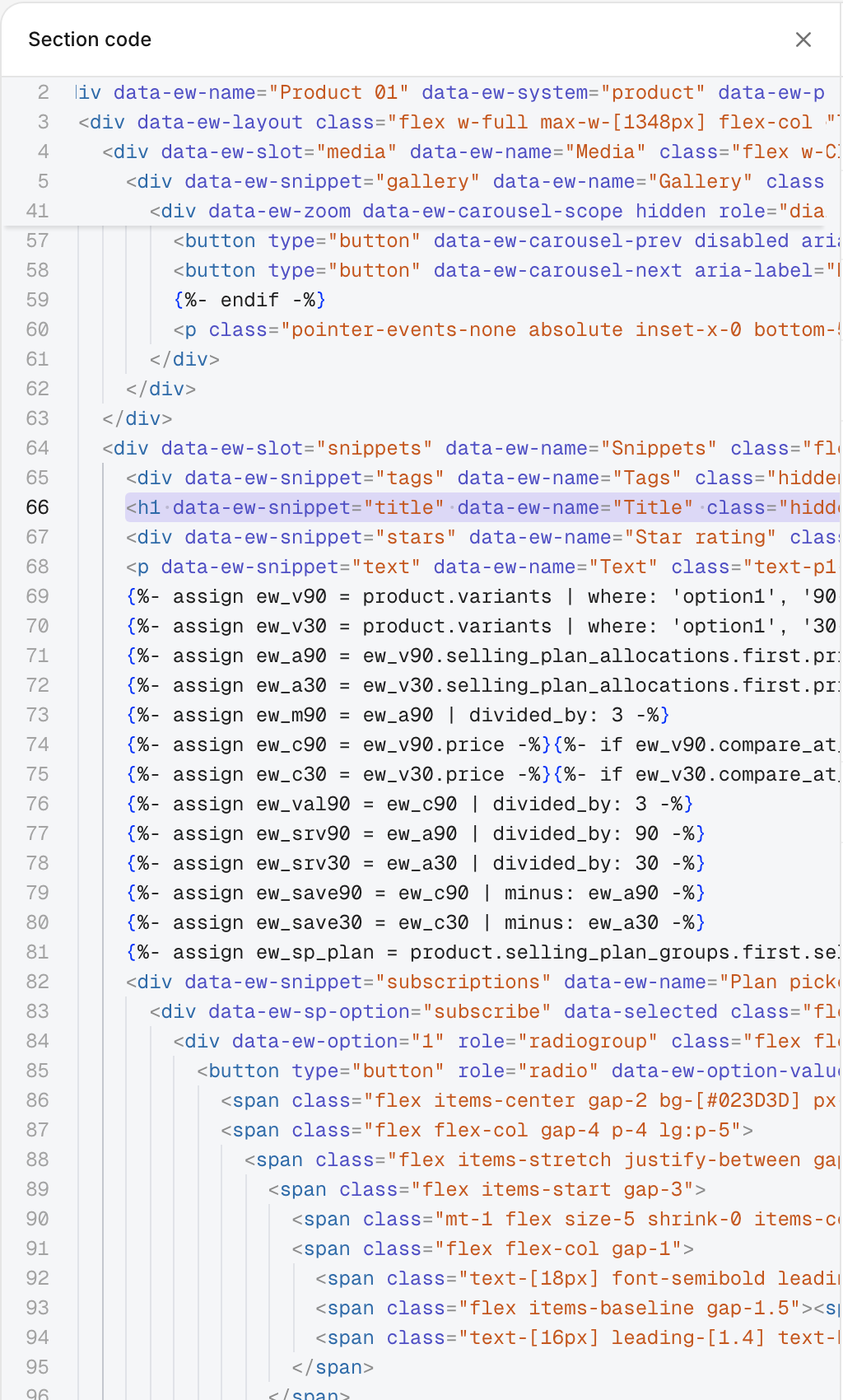
In the Style panel header, click Show code. A code panel opens. Drag its edge to resize it.
3
Edit
Type your changes. They show on the canvas live.
Ask AI to change specific lines
Select lines in the code panel and click Edit with AI. The selected lines go to the agent, so you can describe the change in plain words.