

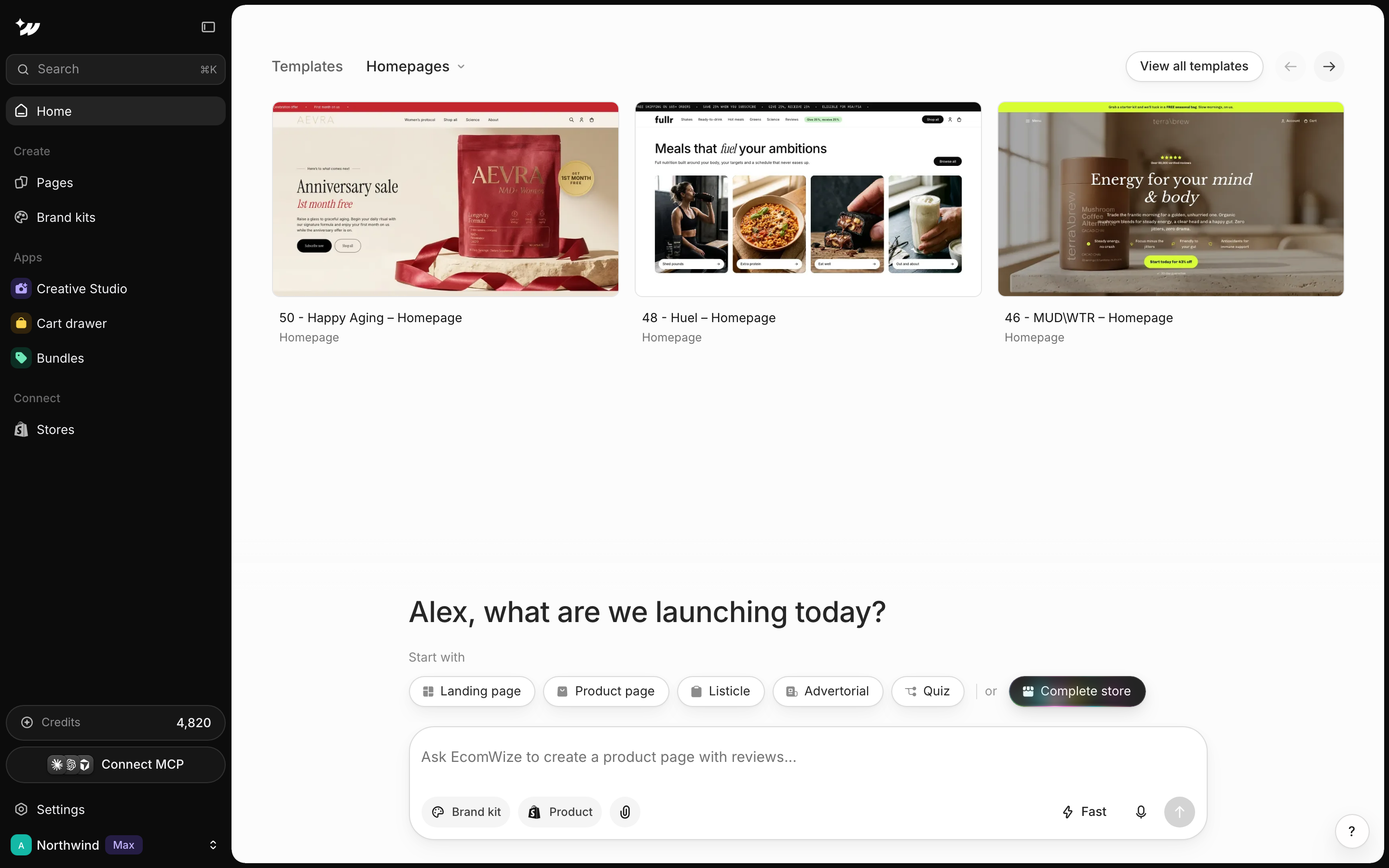
Pick a page type
Under Start with, click Landing page, Product page, Listicle, Advertorial or Quiz. After “or”, Complete store builds a homepage and a product page from one product link. The chips hide when a template is attached.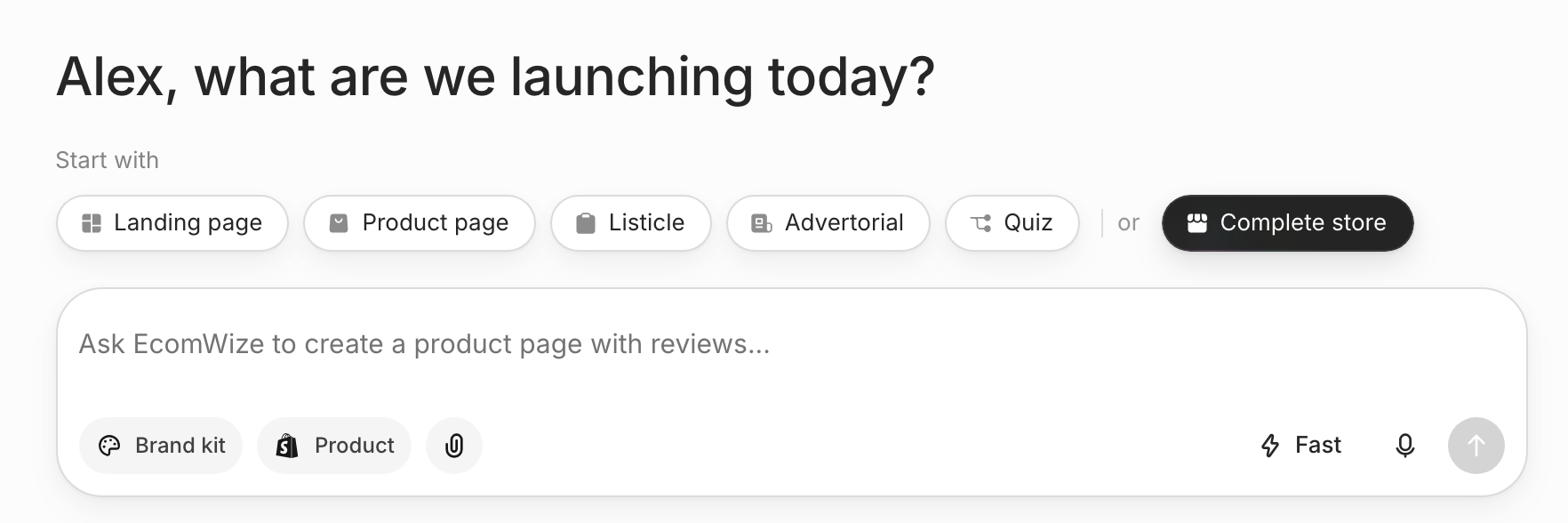
Write your prompt
Your prompt can be up to 2,000 characters. Say what you sell, who it’s for and the feel you want. You can add more context in several ways:Choose a brand kit and product
Click Brand kit to pick the kit that styles your page. It’s required, unless you attach a template and keep its style: sending without one shows “Choose a brand kit first” and opens the picker. Click Product to pick a product from your connected Shopify store.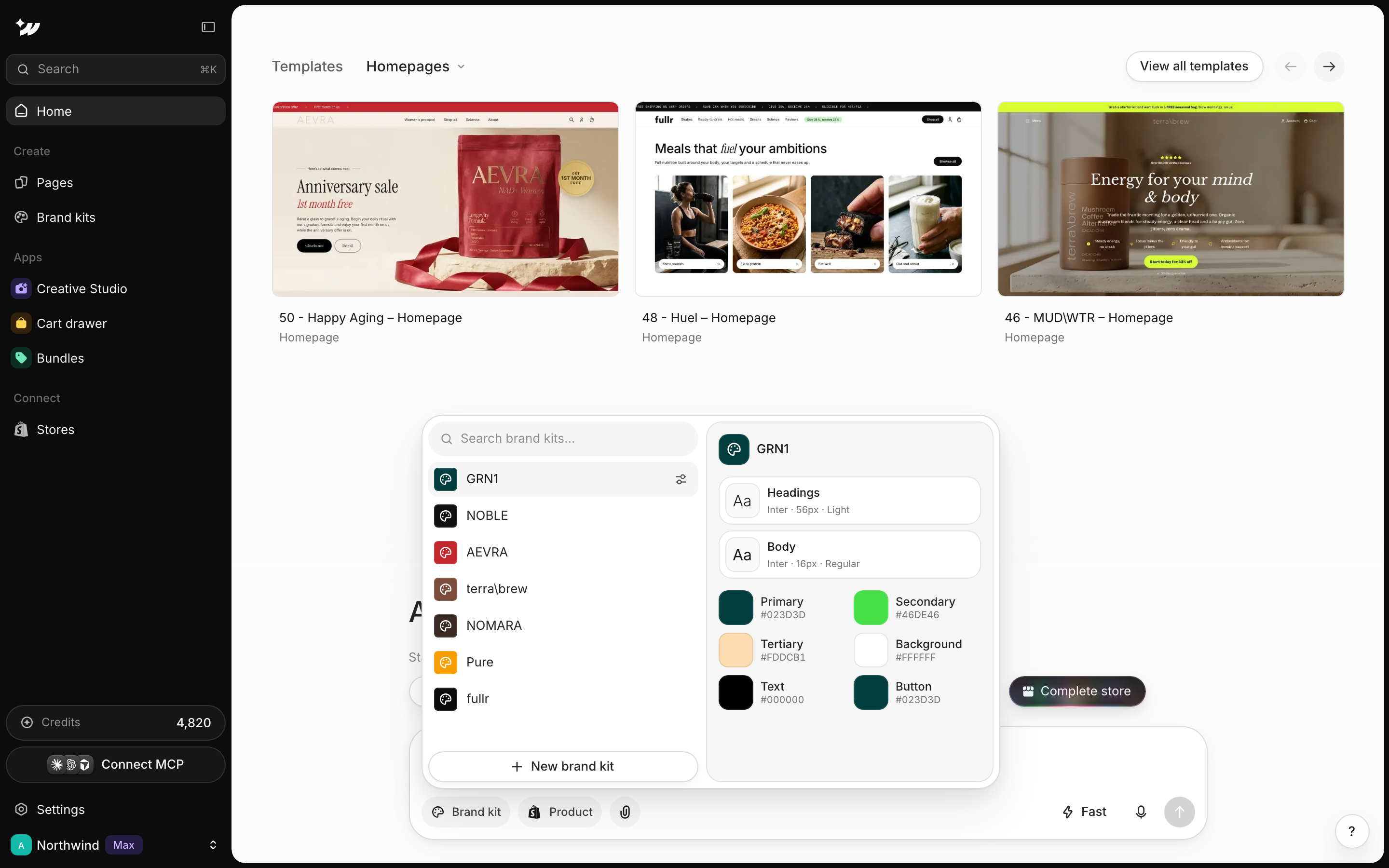
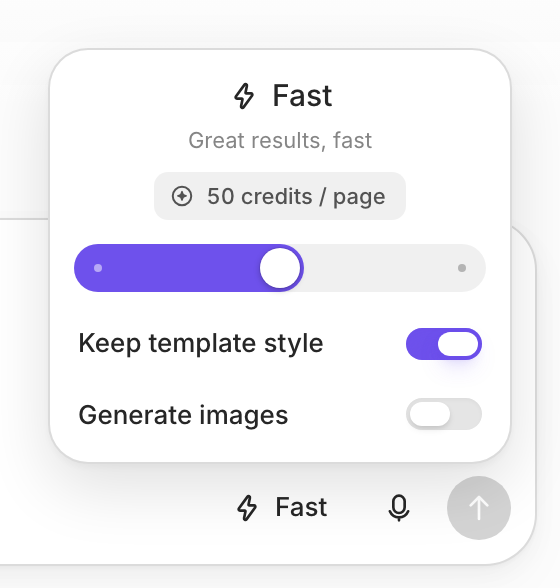
Choose Fast or Pro
Answer the questions
After you send, EcomWize shows “Preparing questions…” and then a short question card above the box. Depending on your prompt, it may ask:- What type of page should this be? (only if it’s unclear)
- Which product is this page for? (or Add a custom product)
- Who is your ideal buyer? (pick several, optional, or Add your own buyer)
- Pick a marketing angle (pick several, optional, or Add your own angle)
- Choose your page language


