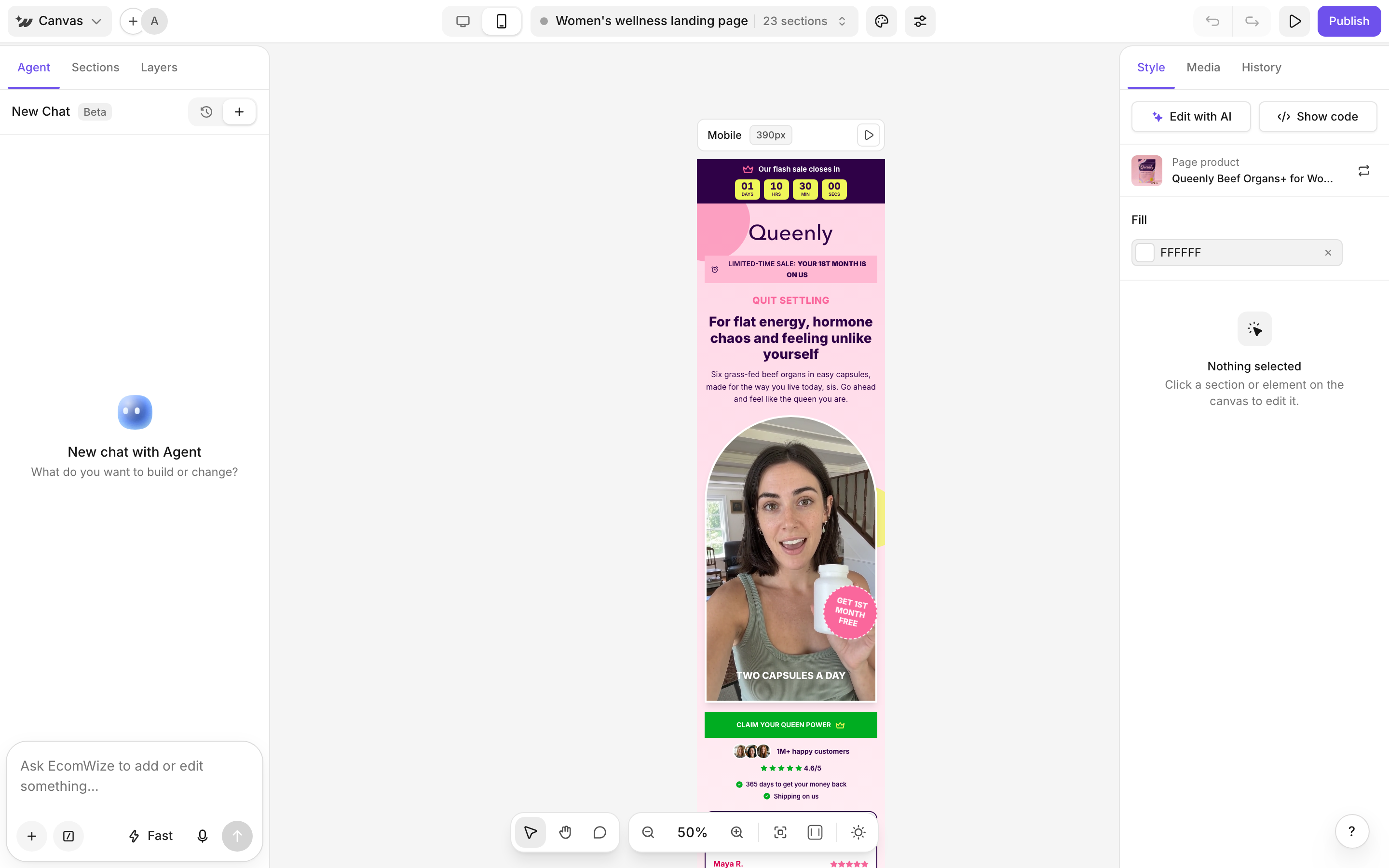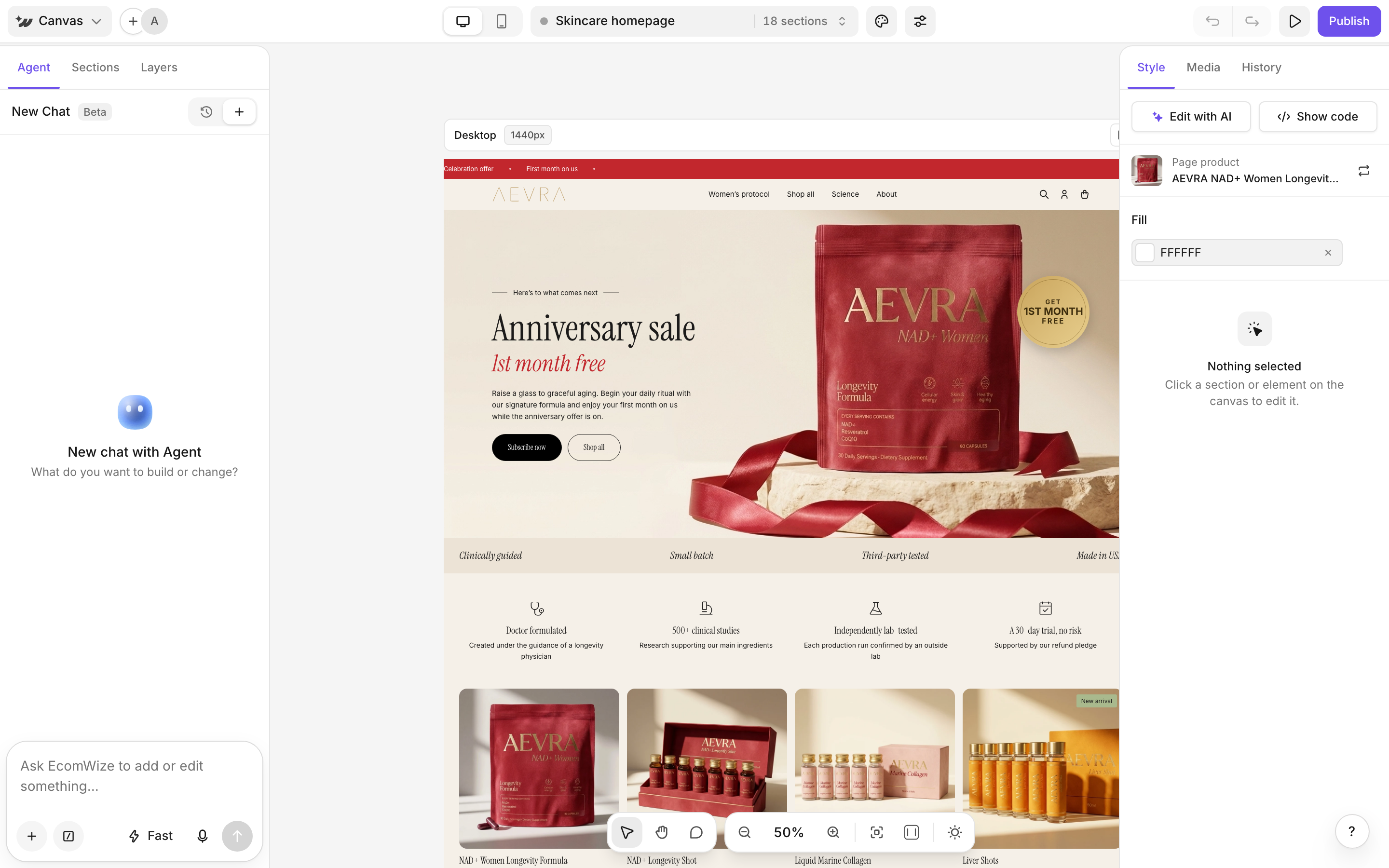
Select a section or element
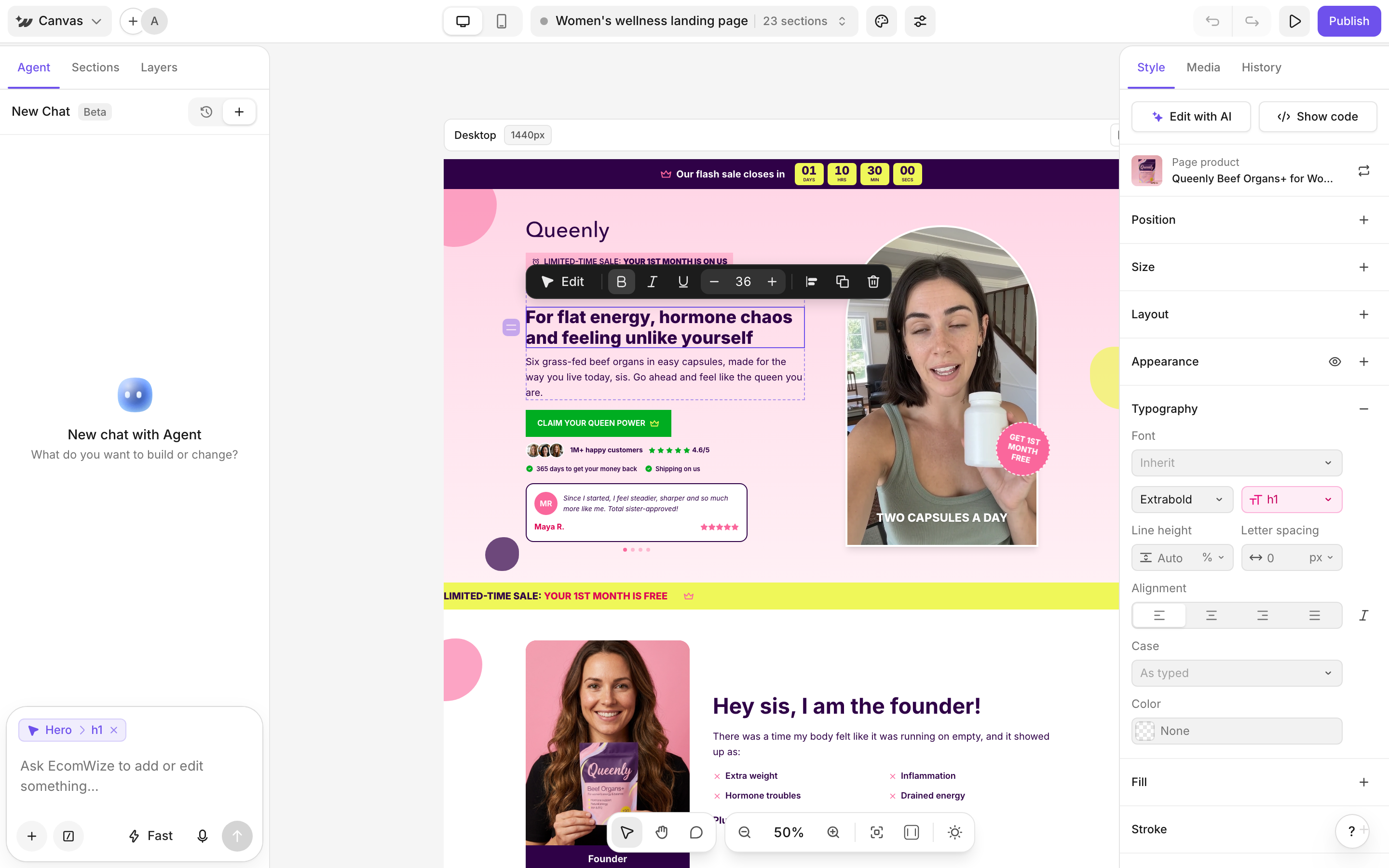
Click once to select a section or an element inside it. Press Enter to select a child, Shift+Enter to select the parent and Esc to go up or deselect. Use Select (V) to pick things and Pan (H or hold Space) to move around.Edit text
1
Open the text
Double-click the text (or press Enter on a text layer).
2
Type your change
Press Enter or Shift+Enter for a line break. Use the text toolbar for Bold, Italic, Underline, Smaller and Bigger.
3
Save or cancel
Press ⌘ Enter or click away to save. Press Esc to cancel.
Replace an image
Select the image and click Media in its toolbar. The Media panel opens. Pick an image to replace the current one.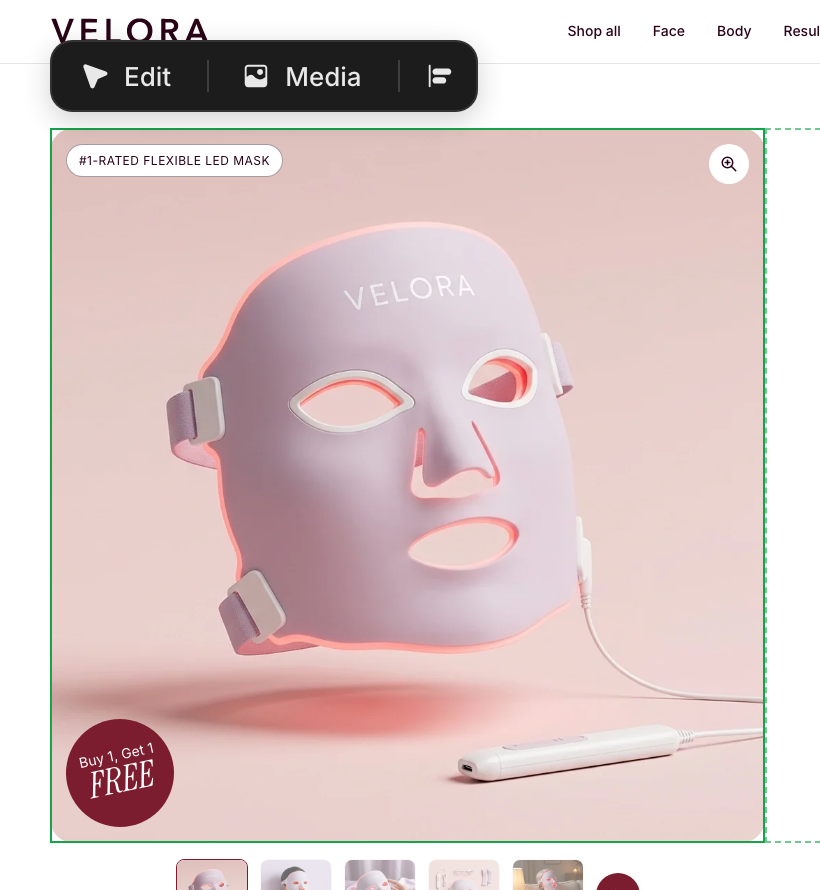
Change a background
Open the color popover for the background and switch to the Image/Video tab. Click Choose image or Replace image. You can set a separate image for mobile.Change an icon
Select the icon and click Choose icon. You can also set its weight and size.Duplicate, delete and reorder
The element toolbar also has Edit with the agent, Add a snippet after this one, Align, Duplicate, Delete and a drag handle to reorder.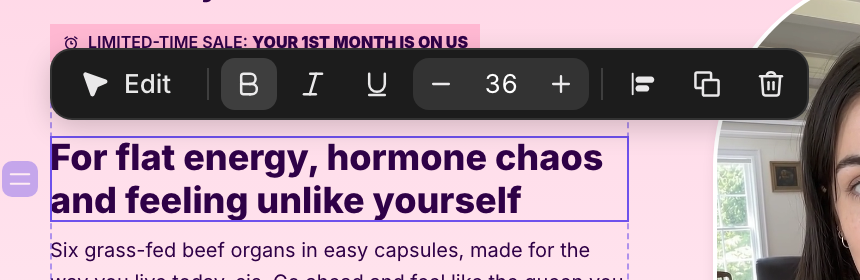
Edit desktop and mobile separately
Use the Desktop view and Mobile view toggle in the top bar. Style edits you make in Desktop view apply to desktop. Edits in Mobile view apply to mobile.