

How credits reset
Your monthly credits reset each billing cycle. Free includes 150, Starter 1,000, Pro 5,000 and Max 20,000. Monthly credits are used first. Credit pack credits are used after that.What things cost
See your balance
Go to Settings > Plans & Billing. You see “X of Y credits left” and your pack credits.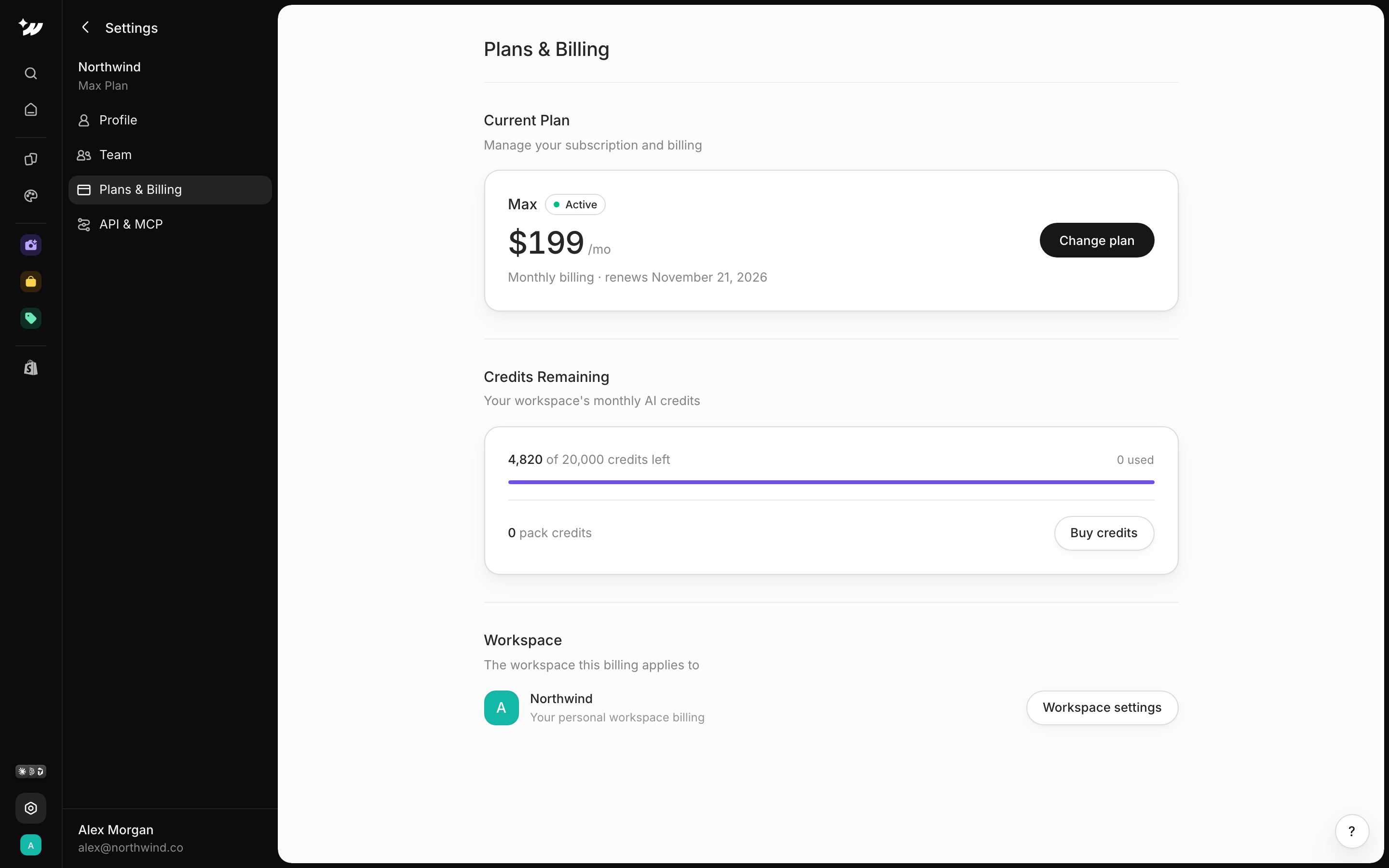
Buy a credit pack
Credit packs are a one-time top-up, used after your monthly credits. They never expire.1
Open billing
Go to Settings > Plans & Billing.
2
Buy
Click Buy credits.
3
Pick a pack
Choose a pack and complete the payment.
Packs are for paid plans, and only the workspace owner can buy them. Members use the workspace’s credits.
When you run out
If you run out of credits, buy a credit pack (paid plans) or upgrade to a plan with more monthly credits.Related

Plans
Monthly credits per plan.

Manage subscription
Upgrade or change plan.

AI agent
Edit pages by chatting.