

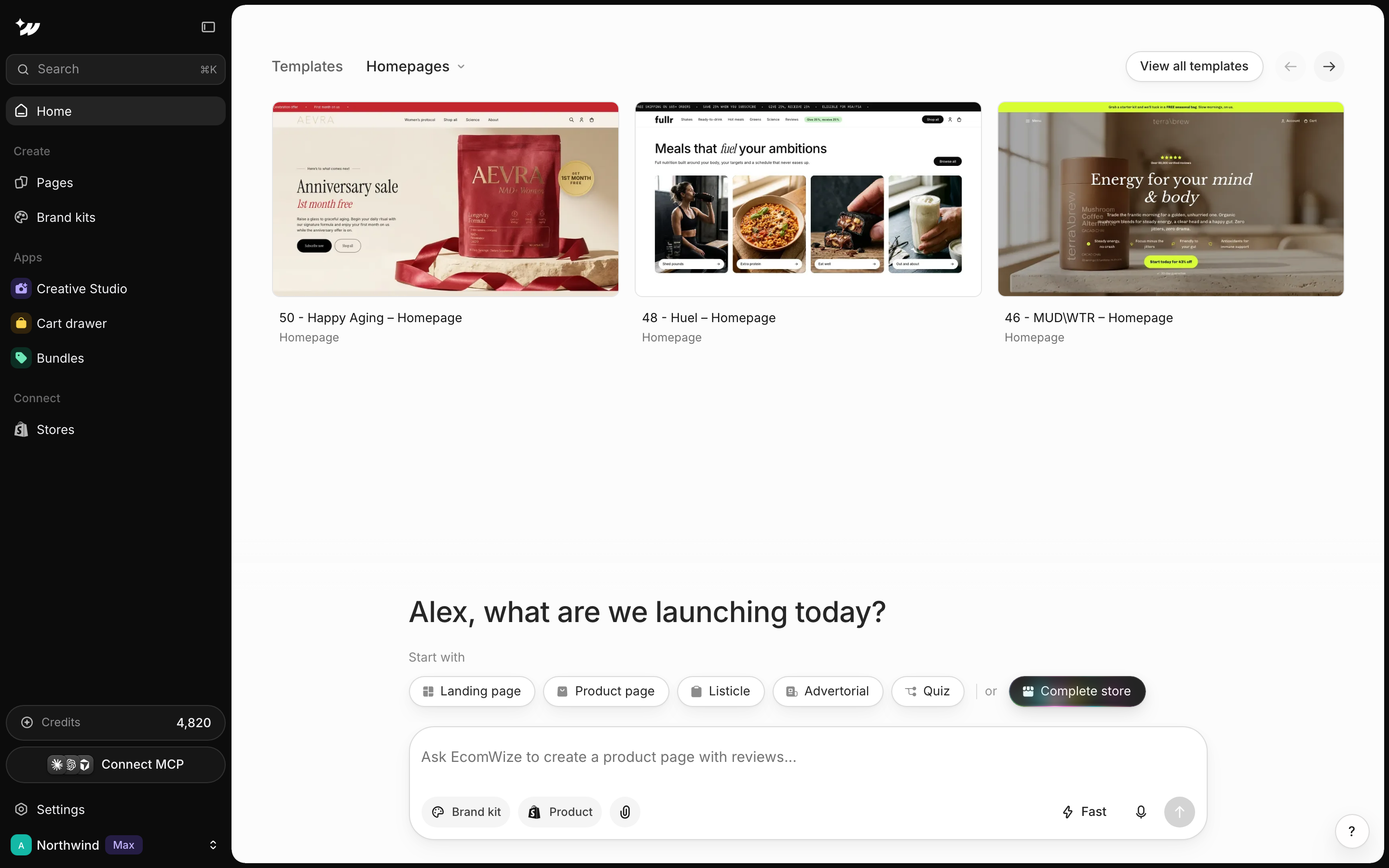
Sign up or sign in
Go to app.ecomwize.io and pick one of two options.- Magic link: enter your email. You see Check your email. Open the email from [email protected] and click the link. The link expires in 1 hour.
- Continue with Google: sign in with your Google account.
Answer the onboarding questions
New accounts answer a short set of questions so EcomWize can start you in the right place.1
What's your name?
Enter the name you want on your account.
2
What do you want to build first?
Choose A landing page or A complete store.
3
How would you like to get started?
Choose Choose a template or Build with AI.
4
What's your monthly revenue?
Pick the range that fits your store.
5
Where did you hear about us?
Pick an option to finish.
Update your profile
Open Settings to edit your profile.Delete your account
To delete your account, email [email protected] from the address on your account. Your data is deleted within 30 days.Pages you already published stay on your Shopify store.
Related

Connect Shopify
Link your store so you can publish.

Create your first page
Start from a template or with AI.

Plans
Compare what each plan includes.