Automatic backups
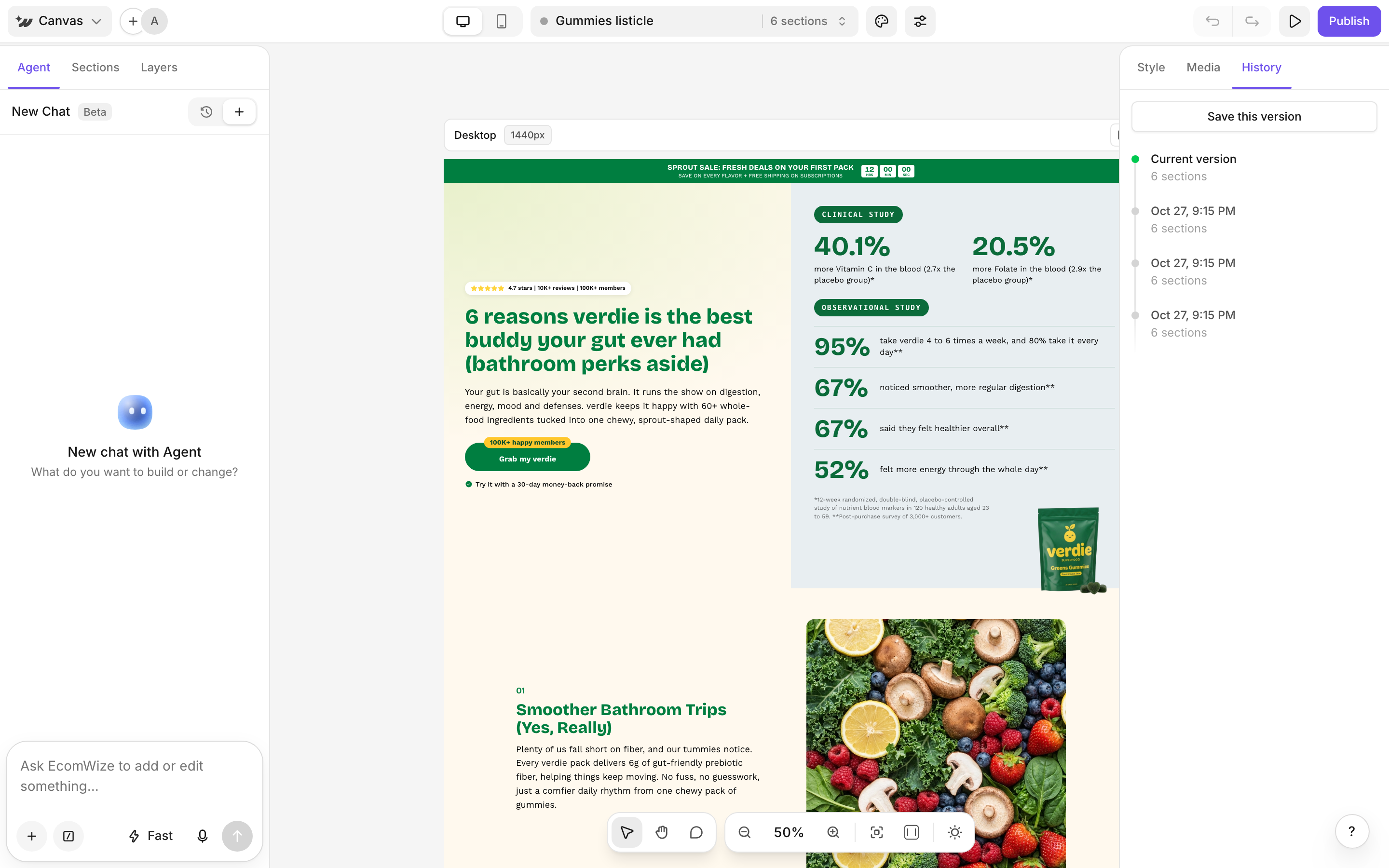
When your page has changed, the builder saves a backup every 5 minutes. These versions are marked Auto. The latest 30 versions are kept.Save a version
Before a big change, click Save this version in the History tab. You can come back to it later.Restore an earlier version
1
Open History
In the right panel, click History. You can also open it from the Canvas menu.
2
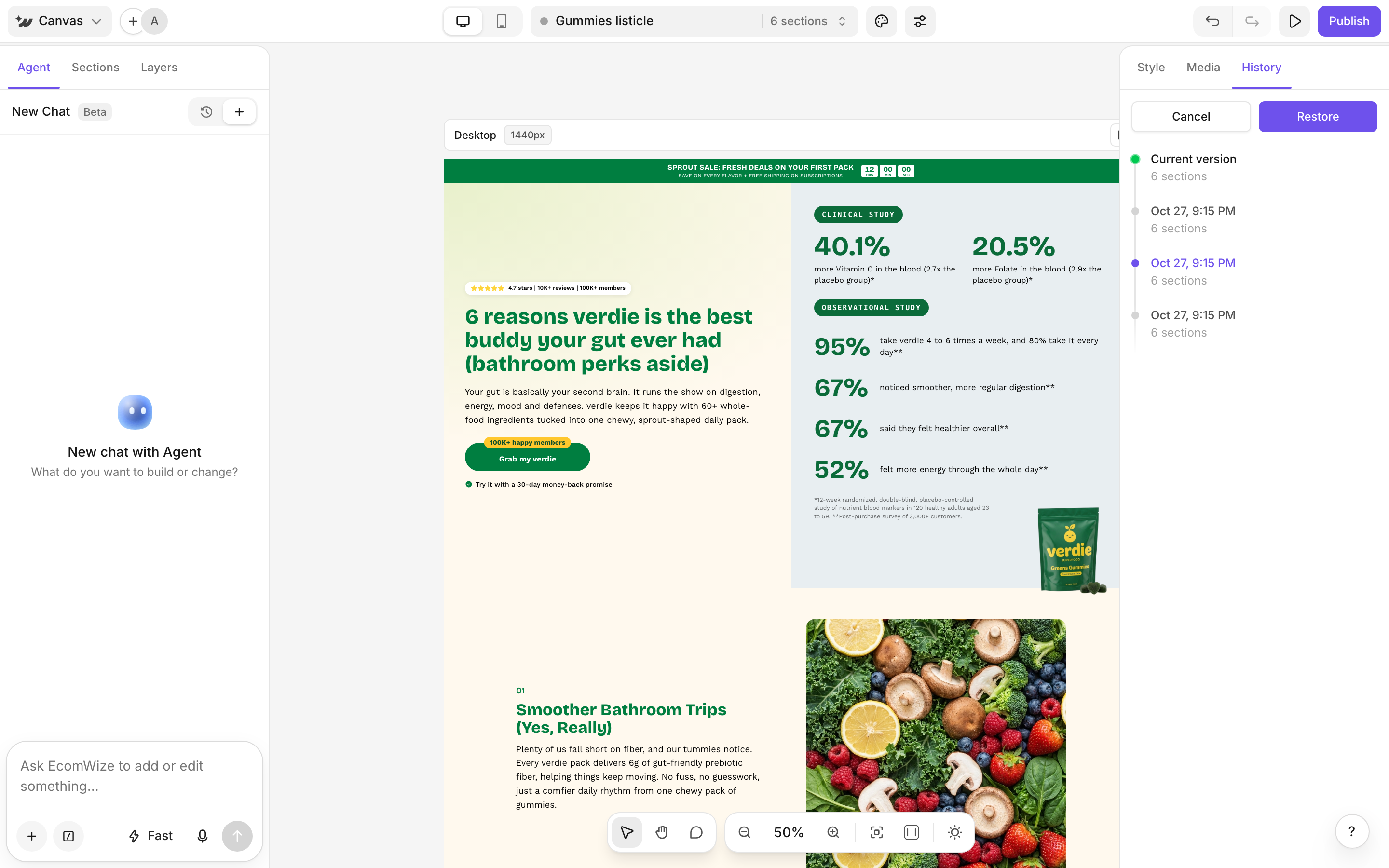
Preview a version
Click a version to preview it on the canvas.
3
Restore or cancel
Click Restore to bring it back, or Cancel to return to your current page.